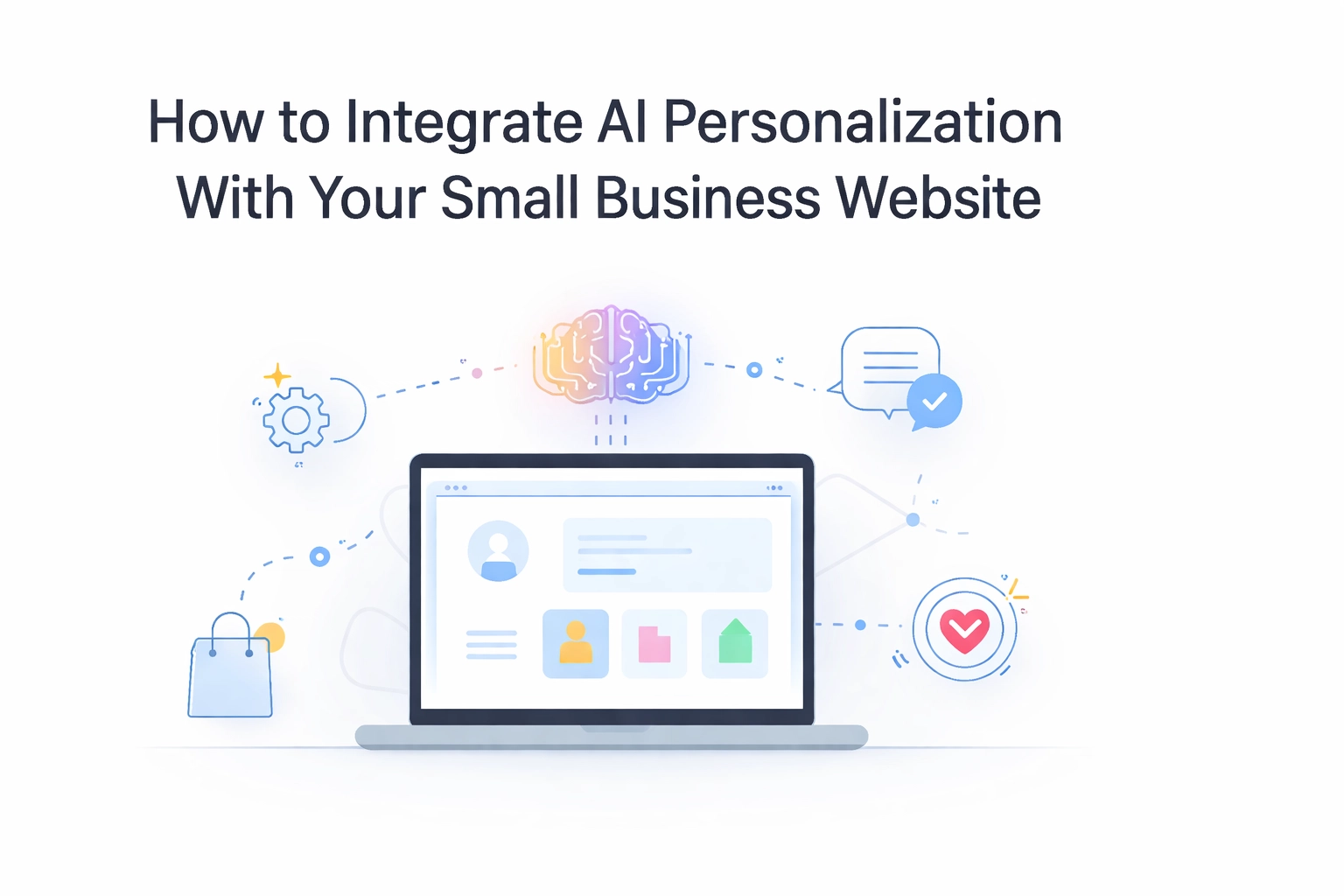
Let's be honest, your website visitors don't want a one-size-fits-all experience anymore. They've been spoiled by Netflix recommendations and Amazon's "you might also like" suggestions. And guess what? They expect that same level of personalization from your small business website too.
The good news? AI personalization isn't just for the big players with massive budgets anymore. Small businesses can now tap into these smart tools to create experiences that feel tailored, helpful, and surprisingly human. Let's break down how you can make it happen without turning your website into a creepy robot overlord.
What Exactly Is AI Personalization?
Before we dive in, let's get on the same page. AI personalization uses machine learning and data analysis to deliver customized content, recommendations, and experiences to each visitor based on their behavior, preferences, and history with your site.
Think of it like having a super-attentive sales associate who remembers every customer, knows what they like, and can anticipate what they need, except it works 24/7 and never takes a coffee break.
The key here is making these interactions feel natural. Nobody wants to feel like they're being watched or manipulated. Done right, AI personalization simply makes your website more helpful.

Three Ways to Add AI Personalization to Your Website
1. Smart Chatbots That Actually Help
Remember the clunky chatbots of a few years ago? The ones that could barely understand "What are your hours?" Those days are gone.
Today's AI-powered chatbots use natural language processing to have real conversations with your visitors. They can:
- Answer common questions instantly (so you're not answering the same email 50 times a week)
- Guide visitors to the right products or services based on their needs
- Qualify leads before they even reach your inbox
- Provide personalized recommendations based on the conversation
Platforms like Intercom, Drift, and ManyChat make it relatively simple to add a smart chatbot to your site. The trick is training it with your brand's voice so it doesn't sound like a generic robot. Feed it your FAQs, give it some personality, and let it learn from real interactions over time.
Pro tip: Start with a chatbot that handles your top 5-10 most common questions. You'll free up hours of your week and give visitors instant answers.
2. Personalized Content Recommendations
You know how Spotify creates playlists just for you? Your website can do something similar.
Personalized content recommendations show visitors articles, products, or services based on what they've already viewed or engaged with. For example:
- A returning visitor sees blog posts related to topics they've read before
- Someone browsing your services page gets case studies relevant to their industry
- First-time visitors see your most popular content to help them get started
This keeps people on your site longer and moves them closer to becoming customers, without you lifting a finger.
Tools like Optimizely, Dynamic Yield, and even some WordPress plugins can help you set this up. The complexity depends on your website's foundation, which we'll get to in a minute.
3. Dynamic Landing Pages
Here's where things get really interesting. Dynamic landing pages change their content based on who's visiting.
Imagine this: A visitor clicks on your Google ad for "web design for restaurants." Instead of landing on a generic homepage, they see a page with:
- A headline specifically about restaurant websites
- Images of restaurant sites you've built
- Testimonials from restaurant owners
- A call-to-action tailored to their needs
That same page might show completely different content to someone searching for "web design for law firms."
This level of personalization dramatically increases conversion rates because visitors immediately see that you understand their specific situation.
Why Custom-Built Websites Make AI Integration Easier
Here's something most people don't talk about: your website's foundation matters a lot when it comes to AI personalization.
Template-based websites and basic page builders can handle some personalization features, but they often hit walls pretty quickly. You might find yourself fighting against limitations, paying for expensive add-ons, or dealing with slow load times because of plugin conflicts.
Custom-built websites, on the other hand, give you the flexibility to integrate AI tools exactly how you need them. Whether you're connecting to OpenAI's API, building custom recommendation engines, or creating truly dynamic landing pages, a custom foundation means fewer compromises.
Think of it like building a house. A prefab home works fine for basic living, but if you want to add a smart home system that controls everything seamlessly, you'll have an easier time with a custom build designed with those integrations in mind.
If you're serious about using AI personalization as a competitive advantage, investing in a custom website now will save you headaches (and rebuilds) later.
Start Small and Build From There
Don't try to implement everything at once. That's a recipe for overwhelm and a website that feels more confusing than helpful.
Here's a phased approach that works:
Phase 1: Homepage Personalization
Start by customizing what returning visitors see on your homepage. Show them content related to their previous visits or highlight services they've shown interest in.
Phase 2: Add a Smart Chatbot
Implement a chatbot to handle common questions and guide visitors. Monitor the conversations to see what people are actually asking, then improve your responses over time.
Phase 3: Content Recommendations
Add a "recommended for you" section to your blog or services pages. This keeps visitors engaged and shows them you have solutions for their specific needs.
Phase 4: Dynamic Landing Pages
Once you've got the basics down, create dynamic landing pages for your paid advertising campaigns. This is where you'll see some of the biggest ROI gains.
After each phase, look at your analytics. What's working? What's not? Refine before moving forward.
Keeping It Human (Not Creepy)
Here's the thing about AI personalization, it can go wrong fast if you're not careful.
Nobody wants to feel like they're being stalked. If your chatbot greets a returning visitor with "Welcome back, Sarah! I see you were looking at our pricing page for 7 minutes and 23 seconds yesterday," that's going to freak people out.
Keep these principles in mind:
- Be helpful, not intrusive. Personalization should make the experience better, not make visitors feel watched.
- Give people control. Let visitors opt out of personalization if they want. Transparency builds trust.
- Don't over-personalize too early. Someone on their first visit doesn't need a hyper-customized experience. Save the deeper personalization for returning visitors.
- Match your brand voice. Your chatbot and personalized content should sound like your brand, not like a generic AI.
The goal is for visitors to think, "Wow, this site really gets me," not "How do they know that about me?"
Tools to Get You Started
If you're ready to dip your toes in, here are some accessible options:
- Chatbots: Intercom, Drift, ManyChat, Tidio
- Personalization engines: Optimizely, Dynamic Yield, RightMessage
- Email personalization: Mailchimp, Klaviyo, Constant Contact
- Analytics: Google Analytics 4, Hotjar, customer data platforms
Most of these offer free trials or affordable starter plans perfect for small businesses testing the waters.
Ready to Make Your Website Smarter?
AI personalization isn't about replacing the human touch: it's about enhancing it. When done right, these tools help you deliver better experiences, build stronger relationships, and ultimately grow your business without working around the clock.
Start with one small integration, see how it performs, and build from there. And if you're realizing your current website might not be the best foundation for these smart tools, we'd love to chat about building something that's ready for the future.