
Your website isn't just a digital brochure anymore. It's your hardest-working employee: available 24/7, answering questions, generating leads, and building trust with potential customers. But here's the problem: the digital landscape shifts fast. What worked in 2024 might already feel outdated in 2026.
The good news? Future-proofing your small business website doesn't require a complete overhaul every year. With the right foundation and strategy, you can build a site that adapts, grows, and performs for years to come.
Let's break down the five essential steps to make that happen.
Why Future-Proofing Matters More Than Ever
Before we dive in, let's address the elephant in the room. Why should you care about future-proofing now?
Simple. Consumer expectations evolve constantly. Search engines get smarter. Security threats become more sophisticated. And your competitors? They're not standing still.
A future-proof website saves you money in the long run. Instead of reactive fixes and emergency redesigns, you invest in proactive strategies that keep your site competitive. Think of it as regular maintenance for your car: much cheaper than waiting for the engine to fail.
Ready to build something that lasts? Let's get started.
Step 1: Prioritize Mobile-First Design
Here's a number that should grab your attention: over 50% of all website traffic now comes from mobile devices. For many industries, that number climbs even higher.
If your website doesn't perform flawlessly on smartphones and tablets, you're essentially turning away half your potential customers. That's not a small leak: it's a flood.
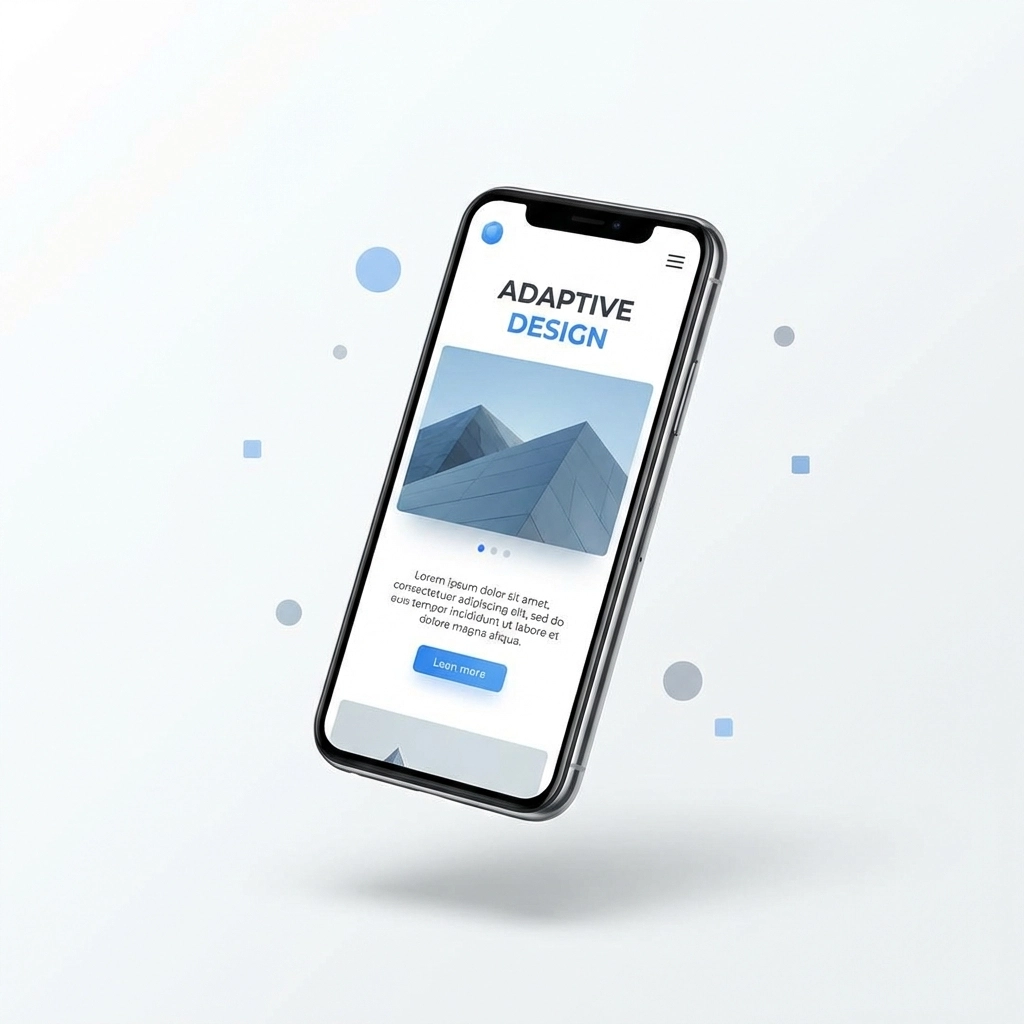
What Mobile-First Actually Means
Mobile-first design isn't just about making your desktop site "fit" on a smaller screen. It means designing for mobile users from the ground up, then scaling up to larger screens.
Here's what that looks like in practice:
- Responsive images with lazy loading : Images adjust to screen size and load only when needed, keeping your site fast.
- Thumb-friendly navigation : Buttons and menus positioned where thumbs naturally rest. No awkward reaching or zooming required.
- Simplified menus : Hamburger menus and clean navigation that don't overwhelm mobile users.
- Touch-optimized forms : Larger input fields and smart keyboards that make filling out contact forms painless.
The Bottom Line
Test your website on multiple devices regularly. What feels intuitive on your laptop might frustrate someone scrolling on their phone during lunch. Mobile-first isn't a trend: it's the standard.
Step 2: Optimize Site Performance and Infrastructure
Speed matters. A lot.
Studies consistently show that users abandon websites that take more than three seconds to load. Every additional second increases bounce rates dramatically. And search engines? They factor page speed directly into rankings.
A slow website doesn't just frustrate visitors: it costs you real money.
Build on Scalable Infrastructure
Your hosting solution should grow with your business. Flexible, scalable hosting accommodates traffic spikes without crashing. Whether you're running a holiday promotion or landing a viral social media mention, your site needs to handle the surge.
Performance Quick Wins
- Optimize media files : Compress images and videos without sacrificing quality.
- Minimize server response times : Choose quality hosting and implement caching strategies.
- Evaluate your plugins : Too many plugins (or outdated ones) create bloat and slow everything down.
- Use a Content Delivery Network (CDN) : Distribute your content across multiple servers for faster global access.

Regular Audits Keep You Fast
Performance isn't a one-time fix. Run speed tests quarterly using tools like Google PageSpeed Insights or GTmetrix. Identify bottlenecks before they become serious problems.
Step 3: Build a Robust Content Strategy
Content remains king in 2026: but the crown looks different now. AI-powered search engines prioritize expertise, experience, and genuine value over keyword stuffing and thin articles.
Your content strategy should serve multiple purposes: attract new visitors, educate potential customers, and establish your authority in your industry.
Structure Your Content Strategically
Think of your website content in three tiers:
- Core Pages : About, Services, Contact. These tell visitors who you are and what you offer.
- Blog Content : Educational posts that answer questions, solve problems, and improve SEO.
- Resource Content : Guides, case studies, and downloads that position you as an industry leader.
Technical Content Best Practices
- Proper heading hierarchy : Use H1, H2, H3 tags logically to help both users and search engines understand your content.
- Descriptive alt text : Every image should include alt text for accessibility and SEO benefits.
- Internal linking : Connect related pages to keep visitors exploring and improve site structure.
- Regular content audits : Review existing content quarterly. Update outdated information, refresh statistics, and remove anything that no longer serves your audience.
Create for Humans First
Write content that genuinely helps your audience. Answer their questions clearly. Solve their problems directly. When you focus on value, search rankings follow naturally.
Step 4: Implement Strong Cybersecurity Measures
Cyber threats don't discriminate based on business size. Small businesses are often targeted precisely because attackers assume security is weaker.
A single breach can devastate your reputation, cost thousands in recovery, and erode customer trust overnight. Future-proofing means taking security seriously from day one.

Essential Security Practices
- SSL certificates : Non-negotiable. HTTPS encryption protects data and boosts search rankings.
- Regular updates : Keep your CMS, plugins, and themes updated. Outdated software is the easiest entry point for attackers.
- Strong passwords and two-factor authentication : Basic but often neglected. Enforce strong credentials for all admin accounts.
- Regular backups : Automated, off-site backups ensure you can recover quickly if something goes wrong.
- Proactive monitoring : Watch for unusual activity, failed login attempts, and performance anomalies.
Build Customer Trust
Display trust signals prominently. Security badges, clear privacy policies, and transparent data handling practices reassure visitors that their information is safe with you.
For detailed information about how we handle data, check out our terms and conditions.
Step 5: Establish a Data-Driven Decision Framework
Gut instincts are valuable, but data tells the real story. Future-proof websites evolve based on actual user behavior, not assumptions.
Leverage Analytics Tools
Google Analytics 4, heatmaps, and CMS dashboards provide invaluable insights:
- Traffic sources : Where are your visitors coming from?
- User behavior : Which pages do they visit? Where do they drop off?
- Conversion paths : What actions lead to inquiries or sales?
- Device and location data : How do different audiences experience your site?
Turn Data Into Action
Collecting data means nothing without action. Schedule monthly reviews to:
- Identify top-performing content and create more like it
- Spot underperforming pages and improve them
- Track campaign effectiveness and adjust marketing spend
- Recognize trends before competitors do

Test, Learn, Iterate
A/B testing removes guesswork. Test different headlines, button colors, page layouts, and calls-to-action. Small changes can produce significant improvements in conversion rates.
Your Website Is an Investment: Treat It Like One
Future-proofing isn't about predicting every technological shift. It's about building a flexible, solid foundation that adapts as things change.
To recap, here's your five-step action plan:
- Design mobile-first : Meet users where they are.
- Optimize performance : Speed equals trust and conversions.
- Build strategic content : Create value that lasts.
- Prioritize security : Protect your business and customers.
- Use data wisely : Let insights guide your decisions.
Implement these steps, and your website becomes more than a digital presence. It becomes a competitive advantage that grows with your business.
Ready to Build a Website That Lasts?
At Create Pro Media, we specialize in creating beautiful, high-performing websites designed for long-term success. Whether you're starting fresh or upgrading an existing site, we're here to help your brand thrive online.
Let's build something future-proof together.